精灵表动画
Hendrix RPG Maker Animation Solution提供了一个显示动画命令。它支持将精灵表转换为动画。
如何设置
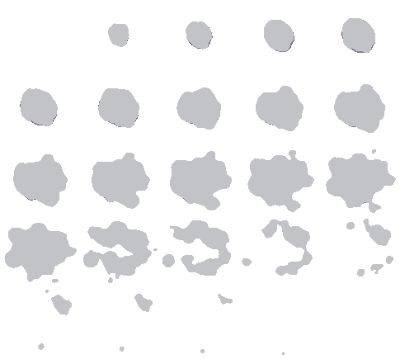
Prepare your spritesheet file and put it to Pictures folder. The file naming doesn’t matter.
Next, call command Show Animation from Hendrix Animation Solution plugin.
准备好精灵表文件并放入Pictures文件夹。文件名不重要。
接下来从Hendrix RPG Maker Animation Solution调用命令显示动画。
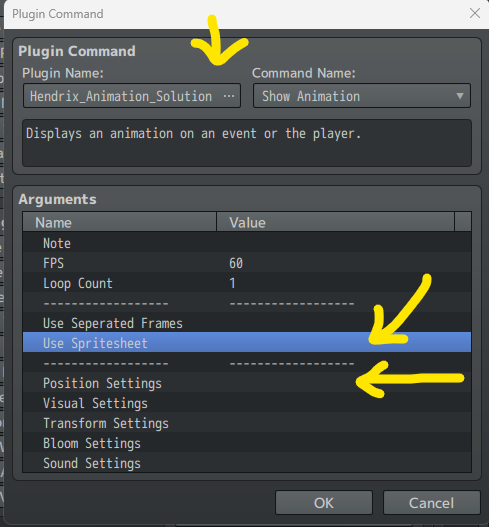
通过使用精灵表选择精灵表。
上面的文件包含5行5列,将这些数字输入。你要做的就这些。
如果在处理一个巨大的动画,高达300帧,会怎么样呢?将其打包入一个单独的精灵表会让文件尺寸巨大。对此,可以改为选择使用分离帧。
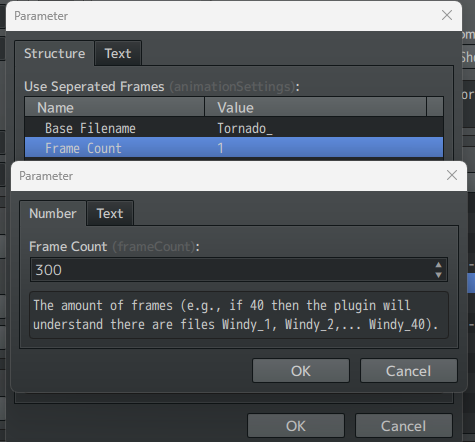
这里笔者使用300帧,并取名为Tornado_1 -> Tornado_300
更多方法(推荐)
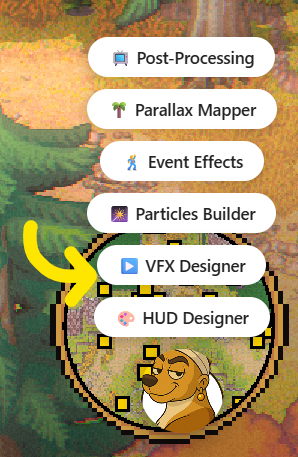
Hover your mouse to bottom right corner, you’ll see a Dog button. Select “VFX Designer“.
将鼠标放到右下角,会看到一个大狗按钮,选择“VFX Designer”。
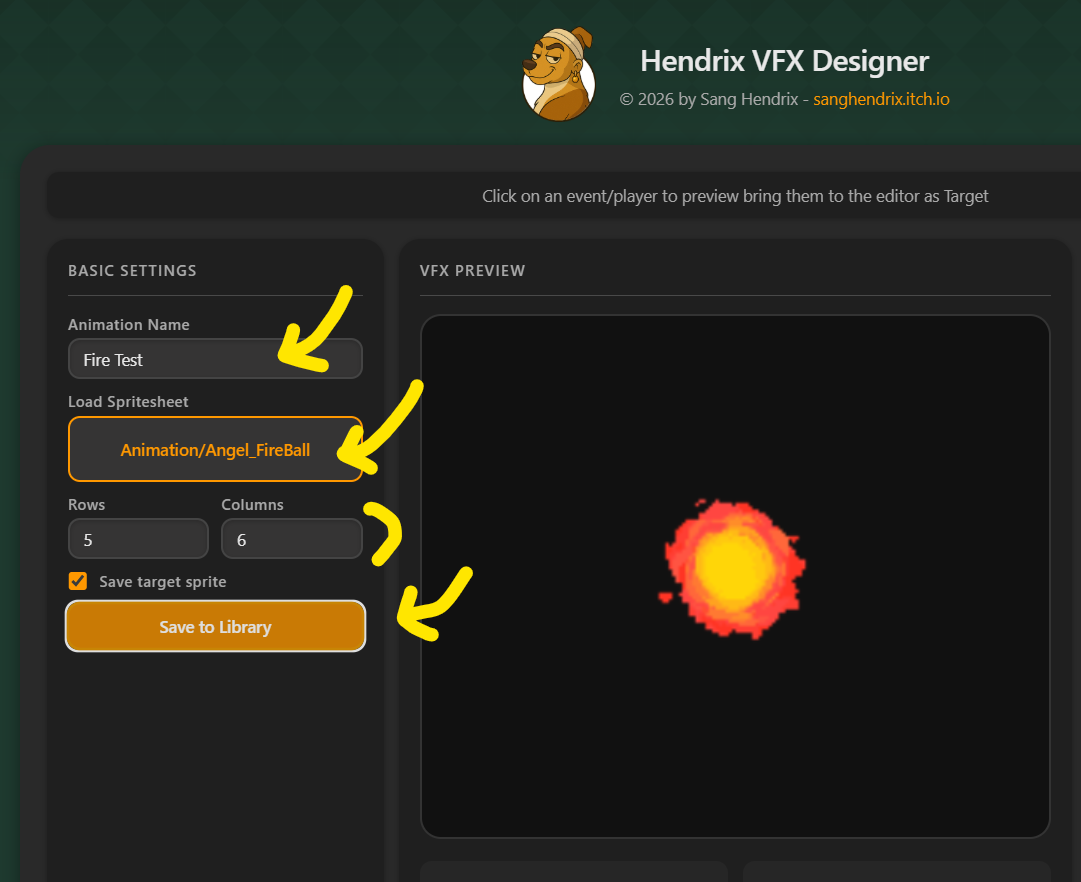
A new window will show up. Load your spritesheet and write row and column. Name your animation and click Save to Library.
就会打开一个新的窗口。在此加载精灵表并输入行和列,为动画取名并点击保存到库。
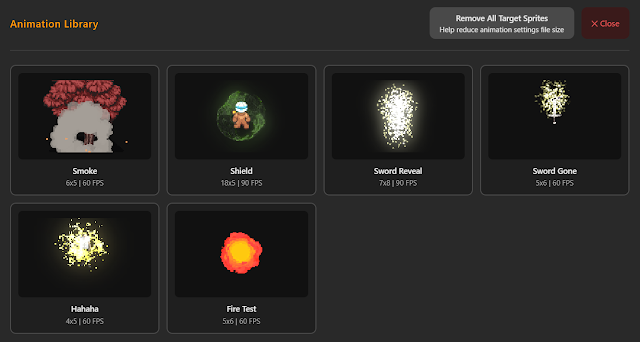
现在能在库里看到你的动画。
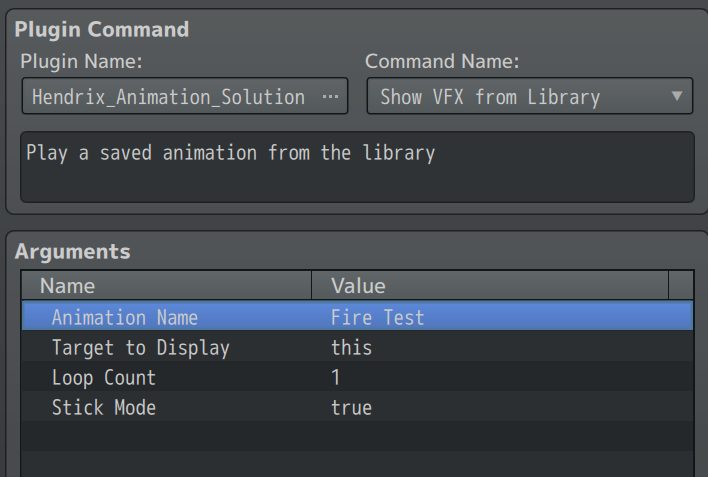
要调用动画,使用命令从库显示VFX并输入你保存的效果名。